Few modern problems feel as annoying as watching someone say, “I sent it,” while your Cash App balance sits there looking emptier than a refrigerator the night before grocery day. Cash App is designed to make sending and receiving money fast, simple, and mostly drama-free. But sometimes payments get stuck, fail, disappear into “pending” land, or refuse to show up at all.
So, why can’t you receive money on Cash App? The most common reasons include account limits, missing identity verification, a pending payment that needs to be accepted, incorrect recipient information, a locked or restricted account, an outdated app, weak internet, Cash App service issues, or security checks that cancel suspicious transfers.
The good news: most Cash App receiving problems are fixable without becoming a fintech detective with three monitors and a corkboard full of red string. This guide walks you through eight easy ways to fix the issue, explains why it happens, and shares practical examples so you can get your money moving again.
Quick Answer: Why You Can’t Receive Money on Cash App
You may not be able to receive money on Cash App because your account is unverified, you reached a Cash App limit, the sender used the wrong $cashtag, phone number, or email address, the payment is pending, your account is locked, Cash App is experiencing an outage, your app needs an update, or the transaction triggered a security review.
Start by checking the Activity tab, confirming your account details, updating the app, verifying your identity, and asking the sender to double-check the recipient information. If none of that works, contact Cash App Support through the app or the official Cash App website.
8 Easy Ways to Fix Cash App Not Receiving Money
1. Check If the Payment Is Pending and Accept It
Sometimes the money is not missing; it is just waiting for you to say, “Yes, come home.” Cash App payments may appear as pending, especially if it is the first time you are receiving money from a particular person or if Cash App needs you to review the transaction.
Open Cash App and tap the Activity tab. Look for the payment in question. If it says Pending, tap it and see whether there is an Accept option. If there is, accept the payment and follow any on-screen instructions.
Example: Your friend sends you $75 for concert tickets. They see “completed” on their end, but you do not see the money in your balance. Before panic-texting them twelve question marks, check your Activity tab. The payment may be waiting for approval.
If the payment remains pending for a long time, avoid repeatedly asking the sender to cancel and resend it. Multiple repeated attempts can make the situation messier. First, check the transaction details and wait for Cash App’s instructions.
2. Verify Your Identity to Increase Receiving Limits
Cash App may limit how much money you can send, receive, or keep in your balance until you verify your identity. If you are trying to receive more than your account allows, the payment may fail, stay pending, or require additional verification.
To verify your identity, open Cash App, go to your profile or account settings, and follow the prompts. Cash App may ask for information such as your full legal name, date of birth, and the last four digits of your Social Security number. In some cases, additional information may be required.
This is one of the most important fixes if you are trying to receive larger payments. An unverified account might work fine for small everyday transfers, like splitting pizza money. But when someone sends a larger amount, Cash App may tap the brakes.
Think of verification like showing your ID at the door. For small transactions, the app may wave you through. For bigger activity, it wants to know you are really younot a raccoon in sunglasses operating a payment account.
3. Make Sure the Sender Used the Correct $Cashtag, Phone Number, or Email
Cash App allows people to send money using a phone number, email address, $cashtag, or QR code. That is convenient, but it also creates room for tiny mistakes. One wrong character can send money to the wrong person or prevent you from receiving it.
Ask the sender to confirm the exact $cashtag, email address, or phone number they used. Do not rely on memory. Have them compare it with what appears inside your Cash App profile.
For example, $MikeBrown and $MikeBrowns may look similar at a glance, but Cash App will not shrug and guess what the sender meant. Payment apps are fast, not psychic.
If the sender paid the wrong account, they should check whether the payment can be canceled from their Activity tab. If it cannot be canceled, they may need to request a refund from the recipient or report the issue through Cash App Support.
4. Check Your Cash App Balance and Account Limits
Cash App accounts can have limits related to sending, receiving, and stored balance. If your account has reached a limit, you may not be able to receive more money until you verify your identity, reduce your balance, or wait for the rolling limit period to reset.
Open Cash App and check your limits in the app settings. Limits may vary depending on your account status, verification level, and Cash App’s current policies. Because limits can change, the app itself is usually the best place to check your personal limit.
This issue often surprises people who use Cash App casually for months and then suddenly receive a larger payment. A $15 coffee reimbursement may work perfectly. A $1,200 rent payment may trigger a limit warning.
If you receive regular payments from customers, clients, roommates, or family members, verifying your account is usually the cleanest long-term solution. It reduces the chance that normal transfers will get blocked at the worst possible momentlike five minutes before rent is due.
5. Update the Cash App and Restart Your Phone
An outdated app can cause payment glitches, login problems, missing notifications, and display errors. Sometimes the money is processed correctly, but your app is showing old information because it needs a refresh.
Go to the Apple App Store or Google Play Store and check whether Cash App has an available update. Install it, close the app completely, then reopen it. If that does not help, restart your phone.
This sounds almost too simple, but it works more often than people want to admit. Phones are tiny computers, and tiny computers sometimes need a nap.
Also check whether your phone’s operating system is compatible with the current Cash App version. If your iPhone or Android device is very old, you may have trouble installing the latest app version. In that case, try signing in from the official Cash App website or using a compatible device.
6. Check Your Internet Connection and Turn Off VPNs Temporarily
Cash App needs a stable connection to refresh your balance, accept payments, and communicate with its servers. If your Wi-Fi is weak or your mobile data is spotty, you may see delays or errors.
Try switching from Wi-Fi to mobile data, or from mobile data to Wi-Fi. Move closer to your router, turn airplane mode on and off, or restart your connection. If you are using a VPN, disable it temporarily and try again.
Why mention VPNs? Payment apps often use location, device, and network signals to help detect suspicious activity. A VPN can make your connection look unusual, especially if it shows you logging in from a different state or country five minutes after your last session.
You do not need perfect internet to receive money, but you do need enough stability for Cash App to update your account accurately. If your connection is weaker than gas station coffee, fix that first.
7. Check Whether Cash App Is Having a Service Outage
Sometimes the problem is not you, your sender, your phone, or your Wi-Fi. Sometimes Cash App itself is having technical trouble. Payment services can experience outages that affect sending money, receiving money, cashing out, card transactions, or logging in.
Visit the official Cash App Status page and check whether Send & Receive Money is operational. If Cash App reports an outage or degraded performance, wait until service is restored before trying again.
During an outage, do not repeatedly attempt the same transfer over and over. That can create duplicate attempts, confusion, or pending transactions. Instead, screenshot the issue, wait for an official update, and try again later.
If you run a small business or collect payments for events, always have a backup payment method. Cash App is convenient, but relying on one app for every dollar is like bringing one fork to a buffet. Technically possible, but not a strategy.
8. Contact Cash App Support If Your Account Is Locked, Closed, or Under Review
If your account is locked, closed, restricted, or under security review, you may not be able to receive money. Cash App may lock an account when it detects activity that needs investigation. Payments may also be canceled for security reasons if Cash App believes a transaction could be fraudulent or risky.
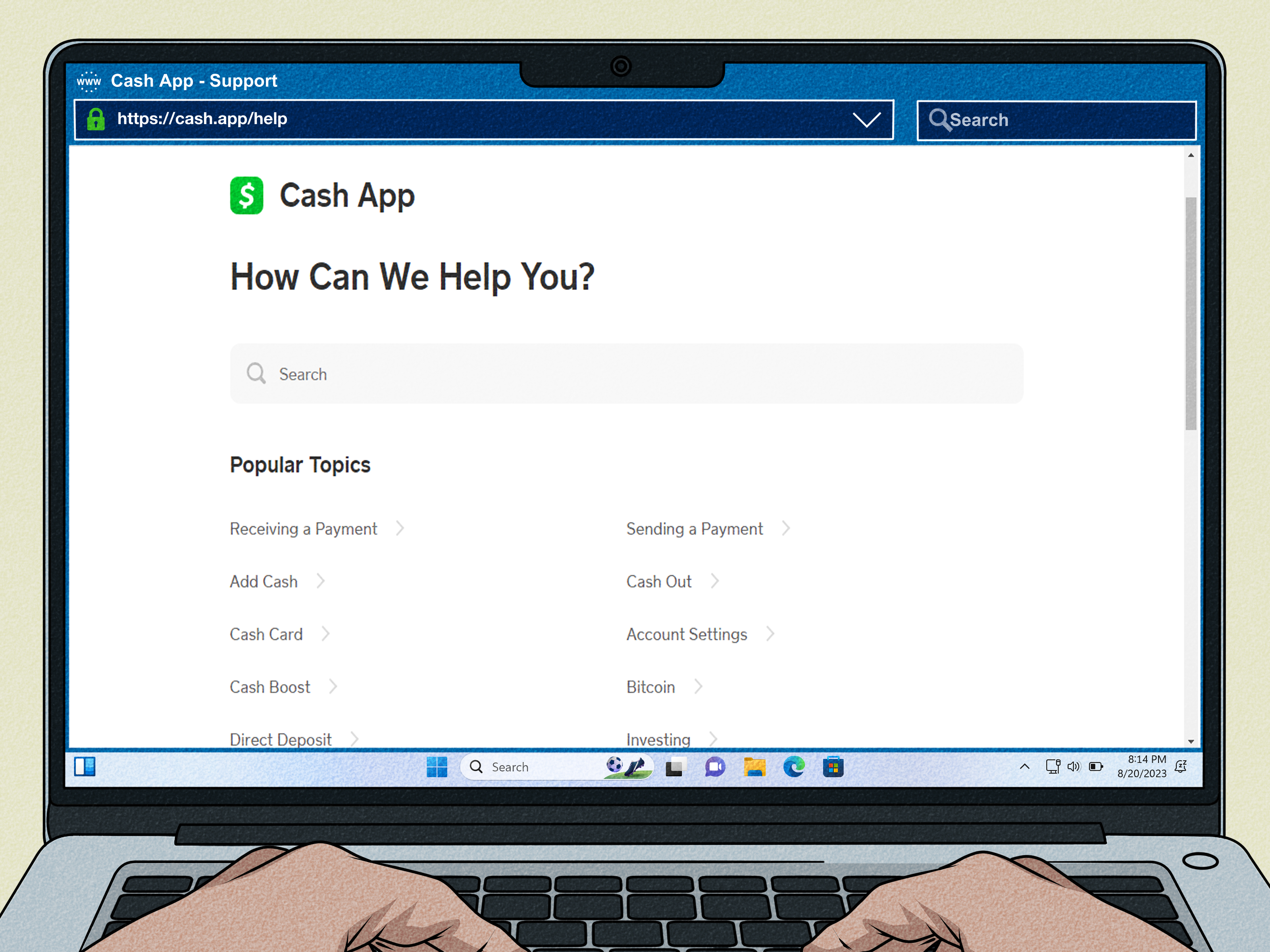
Open Cash App, tap your profile icon, select Support, and follow the prompts. You can also use the official Cash App help center or call the official support number listed by Cash App. Be careful: scammers often create fake customer service numbers and fake support accounts to steal login codes, PINs, or money.
Cash App Support will never need your password, full Social Security number, sign-in code, or PIN to “unlock” a payment. If someone asks you to send money to receive money, that is not support. That is a scam wearing a cheap mustache.
If your account was closed and you believe it was a mistake, follow Cash App’s appeal process. Do not create multiple new accounts to dodge the restriction; that may create more verification problems.
Other Reasons You May Not Receive Money on Cash App
The Sender’s Payment Method Failed
The issue may be on the sender’s side. Their debit card could be expired, their bank may decline the transaction, their Cash App balance may be too low, or their account may have hit a sending limit. Ask the sender to check their Activity tab for any failure message.
You Are Outside a Supported Region
Cash App features are not available everywhere. If you are traveling or trying to use Cash App outside supported regions, some features may not work normally. Cash App Card transactions may work in many international locations, but sending and receiving money through Cash App is more limited.
The Payment Looks Suspicious
Cash App uses fraud detection and security tools. If a payment looks unusual, comes from a new account, involves a large amount, or matches patterns associated with scams, it may be delayed, canceled, or reviewed.
You Have an Old or Duplicate Account
If you created Cash App with an old phone number or email address, a sender may be paying an account you no longer use. Make sure your current account has the correct contact information attached.
How to Prevent Cash App Receiving Problems in the Future
The best fix is prevention. Keep your app updated, verify your identity, confirm your $cashtag before sharing it, and avoid letting large balances sit in your Cash App account for longer than necessary.
Turn on notifications so you can see incoming payments immediately. Enable Security Lock so payments require your PIN, Face ID, Touch ID, or passcode. These settings help protect your account and make suspicious activity easier to catch quickly.
When receiving money from someone new, send a small test request first. For example, if a client owes you $500, request $1 first to confirm the account connection. Once that works, request the full amount. It adds an extra step, but it can prevent a much bigger headache.
Also, keep records. Screenshots of payment confirmations, error messages, and transaction IDs can help if you need to contact support. Do not share sensitive screenshots publicly, especially if they show personal information.
What Not to Do When Cash App Won’t Receive Money
When money gets stuck, people often panic and make the problem worse. Avoid these common mistakes:
- Do not share your sign-in code, PIN, password, or full Social Security number with anyone claiming to be support.
- Do not pay a “release fee” to receive money. Legitimate Cash App payments do not require random unlocking fees from strangers.
- Do not trust support numbers from social media comments, search ads, or random websites.
- Do not repeatedly send and cancel payments during an outage.
- Do not assume the sender is lying before checking your Activity tab and account details.
A real support process may feel slow, but a fake support process is usually fast, dramatic, and expensive. If someone says, “Send me $50 and your $500 will appear,” close the chat like it owes you money.
When Should You Worry?
You should take the issue seriously if the payment shows completed on the sender’s side but never appears in your Activity tab, your account suddenly becomes locked, you receive security alerts you do not recognize, or someone contacts you claiming they can “fix” the payment outside Cash App.
In those cases, contact Cash App Support through official channels. If you suspect fraud, report it through Cash App and consider reporting it to the Federal Trade Commission. If your linked bank or debit card is involved, contact your bank as well.
of Real-World Experience: What This Usually Looks Like
In real life, Cash App receiving problems usually fall into two categories: “simple glitch” and “something needs attention.” The tricky part is that both can look exactly the same at first. You open the app, the money is not there, and your brain immediately starts writing a financial thriller.
The most common everyday scenario is the pending payment. Someone sends money from a new account, Cash App holds it for review, and the recipient does not notice the Accept button. This happens a lot with first-time payments between roommates, buyers and sellers, or family members who rarely use the app. The fix is usually simple: open Activity, tap the payment, and accept it if prompted.
Another common experience is the “wrong $cashtag” problem. This one is painfully easy to miss. A sender may type your name from memory instead of copying your exact $cashtag. If the payment goes to the wrong person, getting it back can be complicated. That is why the safest habit is to send your $cashtag directly, preferably copied from your profile, not typed from memory. For larger payments, ask the sender to confirm the profile photo or display name before sending.
Verification issues are also common, especially for people who only use Cash App occasionally. A user may receive small payments for months without any problem, then suddenly hit a wall when someone sends a larger amount. From the user’s point of view, it feels random. From the app’s point of view, bigger transactions need stronger identity checks. Completing verification before you need it is like carrying an umbrella before the storm. Not exciting, but useful.
App glitches are another boring-but-real cause. Many users assume a missing balance means the payment failed, when the app simply has not refreshed. Closing Cash App, updating it, restarting the phone, and checking again can solve the issue. It is not glamorous troubleshooting, but neither is unplugging a router, and somehow that still saves civilization daily.
Service outages are less common, but they are the most frustrating because you cannot fix them yourself. When Cash App has a payment outage, the smartest move is to stop retrying and check the official status page. Repeated attempts during an outage can lead to duplicate confusion. Patience is annoying, but it is cheaper than creating a transaction traffic jam.
Finally, scams often appear when users are stressed. A person posts online, “Cash App won’t let me receive money,” and suddenly fake support accounts appear like mushrooms after rain. They may ask for a fee, a code, or remote access to your device. Real support does not need those things. If a “helper” makes you feel rushed, scared, or pressured, step away and use official support only.
The practical lesson is simple: check the basics first, verify your identity, keep your app updated, confirm recipient details, and do not let panic make decisions for you. Most Cash App receiving issues are fixable. The money may be delayed, pending, or blocked by a limitbut with careful troubleshooting, you can usually find the reason and choose the right next step.
Conclusion
If you cannot receive money on Cash App, do not assume the payment vanished into the digital swamp. Start with the easiest checks: look for a pending payment, confirm your $cashtag, update the app, test your internet connection, and check Cash App’s service status. Then review account limits, complete identity verification, and contact official support if your account is locked or restricted.
Cash App is convenient because it moves money quickly, but quick money tools still need security checks, accurate account details, and working technology. Treat your account like a financial tool, not just another app next to your weather widget. Keep it updated, protect your login information, and use official support when something feels wrong.
Note: This article is for general troubleshooting and educational purposes. For account-specific issues, always use official Cash App Support channels.