Losing access to your Crossfire account is the gaming version of reaching for your favorite snack and finding an empty bag. One minute you are thinking about weapons, clans, ranks, and that one match where you absolutely carried the team. The next minute, the login screen is staring back at you like a locked vault with a bad attitude.
The good news is that Crossfire account recovery is usually not mysterious. In most cases, you are dealing with one of five common problems: you forgot your password, forgot your login ID, lost access to your email, suspect someone changed your account details, or you are trying to return after a long break and your memory has filed your old credentials under “ancient history.”
This guide explains simple, legitimate ways to retrieve an account in Crossfire using official recovery options, smart security habits, and calm troubleshooting. No shady “account recovery services,” no magic software, no suspicious strangers promising to bring back your account for a fee. Those are not solutions; those are traps wearing sunglasses.
Before You Start: Know Which Crossfire Account You Have
Crossfire has been published in different regions through different platforms over the years. Many North American and Western players know Crossfire through Z8Games, while other regions may use separate publisher systems, such as STOVE or local game portals. That matters because account recovery must happen through the platform connected to your account.
If you created your Crossfire account through Z8Games, you should use Z8Games recovery tools and support. If you play Crossfire Philippines, Crossfire Vietnam, or a mobile version such as Crossfire: Legends, your recovery path may be different. The first rule is simple: recover the account from the official website or launcher tied to your original account. The second rule is even simpler: do not give your password to anyone who says they can “speed it up.” They cannot. They can only speed up your regret.
Simple Ways to Retrieve an Account in Crossfire: 5 Steps
Step 1: Try the Official Password Reset First
The fastest fix is often the most boring one, and boring is beautiful when it works. If you remember the email address connected to your Crossfire or Z8Games account, start with the official “Forgot your Password?” page. Enter the email address, check your inbox, and follow the password reset instructions.
When the reset email does not appear instantly, do not panic-click the button fifty times like you are trying to revive a fallen teammate. Check your spam, junk, promotions, and filtered folders. Search your email for terms such as “Z8Games,” “CrossFire,” “password,” “reset,” or “verification.” If you use multiple email accounts, test each one you may have used when you first registered.
Use a familiar device and internet connection when possible. Account recovery systems often look for signals that match your normal login behavior. That means your usual computer, browser, and home network may be more helpful than a random device on public Wi-Fi. If you are returning after years away, try to remember where you played most often and which email address you used for gaming accounts at that time.
After resetting the password, create a strong and unique password. Avoid old passwords, shared passwords, your username, your birthday, your pet’s name, or anything your best friend could guess after one conversation. A strong passphrase, such as a few unrelated words with numbers or symbols, is usually easier to remember and harder to crack than a short “clever” password.
Step 2: Recover Your Login ID If You Forgot It
Crossfire players often remember their in-game nickname but forget the login ID. Unfortunately, your character name and your login ID are not always the same thing. If you are using Z8Games, the official login ID recovery page lets you enter your email address and receive your login ID by email.
This is useful for older players who left the game for years, came back with heroic confidence, and then discovered their brain kept the map callouts but deleted the login details. If you still have access to the original email, login ID recovery may solve the problem in minutes.
If you are unsure which email you used, search your old inboxes for welcome emails, purchase receipts, ZP payment confirmations, support ticket messages, clan notifications, or password reset emails. Even a very old receipt can help you identify the correct account email. Think like a detective, but with less dramatic music and more inbox searching.
Once you retrieve your login ID, try signing in again with your current password. If that fails, combine this step with Step 1 and reset the password. Many recovery problems are not one single issue; they are a messy little combo of forgotten ID plus outdated password plus an email account you last opened during a different era of your haircut.
Step 3: Secure Your Email Account Before Changing Anything
Your Crossfire account is only as safe as the email attached to it. If someone else can access your email, they may be able to reset your gaming password, hide recovery messages, or change account information. Before you celebrate a successful password reset, make sure your email account is secure.
Start by changing your email password. Use a unique password that is not used on any other site. Then review your email recovery phone number, recovery email, forwarding settings, filters, and recent login activity. Remove anything unfamiliar. If your email provider supports multi-factor authentication, turn it on. Multi-factor authentication adds a second verification step, making it harder for someone to get in with only your password.
If you suspect your device has malware, run a security scan before resetting important passwords. The Federal Trade Commission recommends checking your device security when an account may be hacked, then following the provider’s account recovery process. This matters because changing your password on an infected device can be like locking the front door while the burglar is still holding the key.
Also check whether your email address has been involved in a known data breach. If you reused the same password on old forums, shopping sites, or gaming accounts, change those passwords too. Reused passwords are convenient for humans and extremely convenient for attackers. Sadly, attackers do not deserve convenience.
Step 4: Contact Official Crossfire Support With Clear Proof
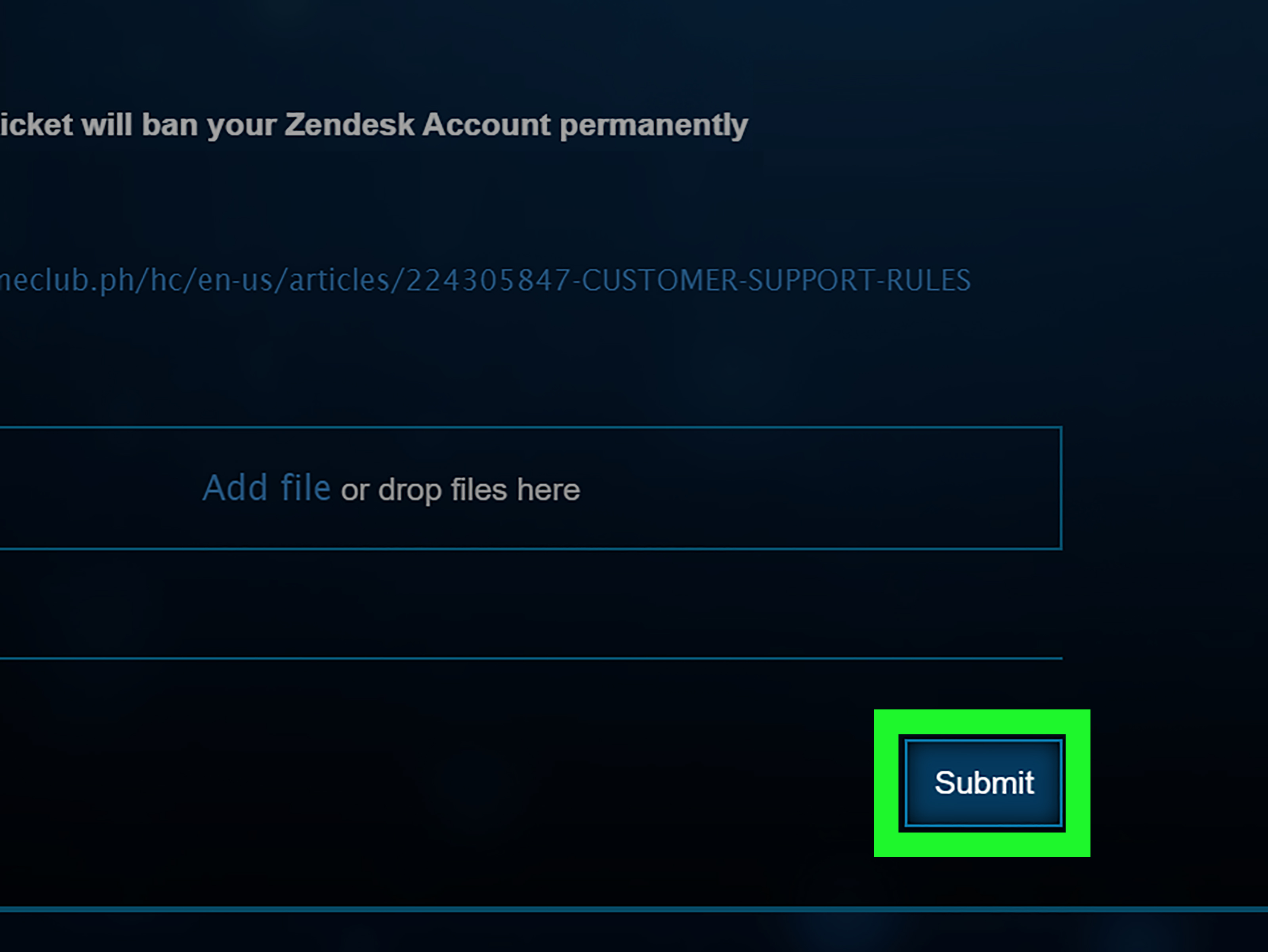
If you cannot access the email address, cannot receive the reset message, or believe the account was stolen, the next step is official support. For Z8Games players, use the official Z8Games support center and choose the account-related category that best matches your issue. If you cannot access your account at all, you may need to use another account to submit a support ticket for account recovery.
When writing the ticket, be calm, clear, and specific. Support teams handle many requests, so a clean message is better than a dramatic wall of text written entirely in emotional caps lock. Include the account login ID if you know it, the email address originally used, your character name, approximate account creation date, recent login dates, purchase history, transaction IDs if available, screenshots of receipts, and any older information that proves ownership.
Do not send your full password. Legitimate support teams do not need it. Also avoid sending unnecessary personal information. Give only what the official support form asks for and what reasonably proves account ownership.
Here is a simple example of what a useful support message might look like:
Hello, I need help recovering my Crossfire account. I no longer have access to the original email address. My login ID may be [your login ID], and my in-game name was [character name]. I created the account around [year]. I can provide purchase receipts and other ownership details if needed. Please let me know what information is required to verify the account safely.
That message is polite, organized, and easy to process. It does not accuse everyone in the building of betrayal. That helps.
Step 5: Protect the Account After You Get It Back
Account retrieval is not finished when you log in. That is only halftime. After you regain access, immediately update your password, verify your email address, check account settings, review security options, and remove any unfamiliar changes. If your platform supports two-factor authentication or a similar extra security feature, enable it.
Next, check your in-game inventory, clan status, friends list, recent activity, and purchase history. If something looks wrong, document it with screenshots and contact support. Do not attempt revenge, do not buy stolen items, and do not use suspicious tools to “investigate.” That is how small problems grow extra legs.
Finally, create a small private record for yourself. Save the email address used, login ID, approximate creation date, support ticket numbers, and purchase receipt locations. Do not store your password in a plain text file called “crossfire password.txt” on your desktop. That is basically a welcome mat for trouble. Use a reputable password manager or another secure method.
What Not to Do When Recovering a Crossfire Account
Do Not Trust Paid Recovery Services
Anyone claiming they can recover your Crossfire account faster than official support should be treated with suspicion. Many scammers target frustrated players because urgency makes people careless. They may ask for your login ID, email, password, recovery codes, payment details, or screenshots of sensitive information. Once they have enough, they can take the account or use your information elsewhere.
Do Not Buy or Trade Accounts
Buying, selling, or trading accounts is risky and often violates game policies. Even if a seller seems friendly, the original owner may later recover the account, leaving the buyer with nothing. Support teams usually prioritize the original verified owner, not the person who bought the account from a random chat message. In other words, buying an account can turn into renting disappointment.
Do Not Use Hacks, Scripts, or “Bypass” Tools
Tools that promise to bypass login screens, recover passwords, or unlock accounts are dangerous. They may steal your data, infect your computer, or get your account banned. Official terms for online games commonly prohibit cheating, hacking, fraud, and activity that undermines the service. If your goal is to recover your account, do not create a second problem that support cannot fix.
Common Crossfire Account Recovery Problems
You Remember the Email but Not the Login ID
Use the official login ID recovery tool. Check the email associated with the account. Once you receive the login ID, try signing in or reset the password if needed.
You Remember the Login ID but Not the Password
Use the official password reset page. If the email does not arrive, check spam folders and make sure you are checking the correct email account.
You Lost Access to the Original Email
First try to recover the email account through its provider. Google, Microsoft, Apple, and other major providers have account recovery flows that ask questions to confirm ownership. Use familiar devices and locations, answer as many questions as possible, and provide accurate details. If you cannot recover the email, contact Crossfire support and explain that the original email is no longer accessible.
Your Account May Have Been Stolen
Secure your email immediately, scan your device, change passwords, and contact official support. Include ownership proof and explain what changed. Keep the message factual. “My email was changed on April 12” is more useful than “a villain ruined my life,” even if the second one feels emotionally accurate.
Your Account Was Banned or Blocked
Account recovery and ban appeals are different issues. If your account was blocked for policy reasons, use the official support process and ask whether an appeal or review is possible. Be honest. If support asks for information, provide it clearly. Do not create multiple spam tickets every hour; that usually slows things down rather than helping.
How to Make Your Support Ticket Stronger
A strong support ticket is built on evidence. Useful details may include your login ID, character name, old email address, new contact email, approximate registration date, country or region where you usually played, screenshots of payment receipts, ZP purchase records, old support ticket numbers, and screenshots showing your account profile if you have them.
Keep your timeline simple. For example: “I last logged in around March 2024. In April 2024, I lost access to my email. In May 2024, I tried to reset the password but did not receive the email.” That is easy to follow. Support agents are not mind readers, although many players seem determined to test that possibility.
Use the same ticket thread when replying. Starting a new ticket every time you remember one more detail can scatter your information. It is better to keep the case organized in one place unless support tells you otherwise.
Security Tips for Crossfire Players Who Finally Got Back In
Use a Unique Password
Your Crossfire password should not match your email password, social media password, school account password, or that one password you have used since the age of dinosaurs. Use a long, unique password or passphrase.
Turn On Extra Verification Where Available
If your account platform supports multi-factor authentication, enable it. MFA can stop many login attempts even when a password is exposed. It is one of the simplest upgrades with the biggest security payoff.
Keep Receipts and Account Records
If you buy in-game currency or items, keep confirmation emails. They can help prove ownership if you ever need support. Create a secure folder for gaming receipts so you are not digging through ten years of inbox chaos later.
Watch Out for Fake Support Pages
Always use official websites and support centers. Fake pages may copy logos, colors, and layouts to trick players. Before typing account information, check that you are on the correct official domain or launcher.
Personal Experiences and Practical Lessons From Crossfire Account Recovery
Many Crossfire players return after a long break with the same story: they remember the thrill of clutching a round, the sound of familiar maps, the weapons they worked hard to unlock, and maybe even the clan drama from years ago. What they do not remember is the exact login ID they created at 2 a.m. when they were younger and apparently believed future memory would be unlimited. Spoiler: it was not.
The first lesson from real account recovery experiences is patience. Players often expect instant results because games feel immediate. You click play, you join a match, you respawn, you try again. Account recovery is different. Support teams need to verify ownership carefully because handing an account to the wrong person would be worse than making the real owner wait. If the account contains purchased items, rare weapons, rank progress, or years of history, careful verification is a feature, not a flaw.
The second lesson is that old emails matter more than most players expect. A forgotten inbox can become the key to everything. Players who keep access to their original email usually have a much easier time recovering login IDs and resetting passwords. Those who lose access often need to provide more proof, such as receipts, old account details, and accurate timelines. This is why it is smart to keep gaming accounts connected to an email you actually maintain, not an address created only for one weekend in 2011.
The third lesson is that small details can make or break a support request. Approximate registration year, old nicknames, previous passwords, purchase dates, payment receipts, and screenshots may help support confirm ownership. You may not remember everything, and that is normal. But the more accurate details you provide, the better your chance of moving the case forward. Think of it like building a loadout: one item is useful, but a complete setup is stronger.
The fourth lesson is emotional control. Losing an account feels personal, especially if you spent time or money on it. Still, angry messages rarely help. A support ticket is not a boss fight. You do not win by doing maximum damage. You win by being clear, polite, and organized. A respectful message with proof is much more effective than a furious paragraph demanding instant justice from the entire internet.
The fifth lesson is that account security after recovery is just as important as recovery itself. Some players get their account back, then keep the same weak password or ignore email security. That is like repairing a door and leaving the key under a neon sign. After getting back in, change passwords, update recovery information, enable extra verification if available, and review account activity. If you share a computer, make sure browsers are not saving passwords where other people can access them.
A final practical lesson: write down non-sensitive account history in a safe place. You do not need to record your password, but you can safely keep notes such as the account email, login ID hint, creation year, receipt locations, and support ticket numbers. Future you will appreciate it. Future you may even forgive present you for all those missed shots in ranked matches.
Conclusion: Get Your Crossfire Account Back the Right Way
Retrieving a Crossfire account is usually a step-by-step process: reset the password, recover the login ID, secure your email, contact official support if needed, and protect the account once it is back. The safest path is always the official one. Shortcuts, paid recovery promises, suspicious tools, and account trading can turn a simple login problem into a bigger disaster.
If you still have access to your original email, start there. If not, gather proof and contact official support with a clear, polite ticket. Keep your information organized, be patient, and use the experience as a reminder to strengthen your account security. Your future gaming sessions deserve fewer login problems and more headshots.