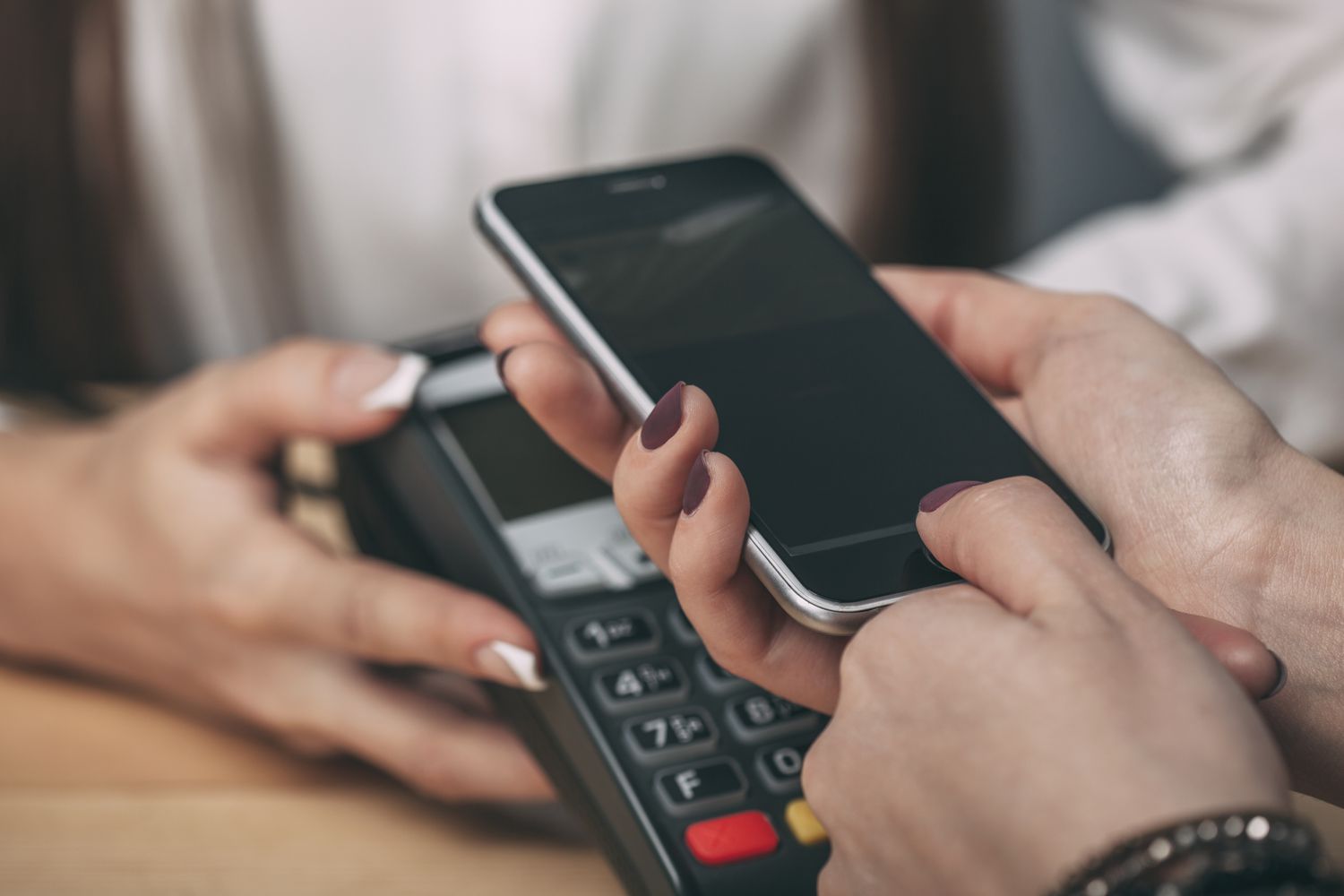
Mobile payments are a little like hot sauce: fantastic when used wisely, regrettable when sprayed everywhere without thinking. Tapping your phone at checkout, paying a friend back for tacos, or buying movie tickets in three thumb taps can feel wonderfully futuristic. It can also feel wonderfully dangerous if you are the kind of person who uses the same PIN for everything and thinks “Free airport Wi-Fi” sounds romantic.
The good news is that mobile payments can be very secure when you use them the right way. Digital wallets and payment apps often include strong protections such as tokenization, encryption, device authentication, and fraud monitoring. The bad news is that scammers are not known for taking personal days. They love rushed users, weak passwords, fake texts, public Wi-Fi traps, and “Oops, I sent you money by accident” nonsense.
If you want the convenience of paying by phone without starring in your own fraud story, these practical tips will help. This guide covers how to choose safer apps, secure your device, avoid common scams, protect your privacy, and know what to do if something goes sideways.
Why Mobile Payments Can Be Safe, but Not Foolproof
Before diving into the tips, it helps to understand why mobile payments are often safer than whipping out a physical card. Many digital wallets do not share your real card number with the merchant. Instead, they use a substitute value or token. That means even if a store system is compromised, your actual card details may not be exposed in the same way they would be with old-school card entry.
On top of that, many mobile payment systems require you to unlock your device or verify a transaction using biometrics, a passcode, or both. In plain English, your phone is not supposed to become a magic money wand for whoever finds it under a couch cushion.
Still, the weakest link is usually not the wallet technology. It is human behavior. Fraudsters know this. They do not always “hack” payments in a dramatic movie style. More often, they trick people into sending money willingly, logging into fake apps, or approving transactions while panicking. In other words, the biggest security upgrade may not be your phone. It may be your patience.
1. Use a Trusted Mobile Wallet or Payment App
Start with reputable providers. Apple Pay, Google Wallet, Samsung Wallet, PayPal, Venmo, Zelle through a participating bank, and major bank apps all have established security programs and published fraud guidance. Download apps only from official app stores, and double-check the developer name before installing anything. Fake finance apps are a real thing, and they are not a fun surprise.
What to look for in a safer app
- Support for biometric login or strong passcodes
- Fraud alerts and push notifications
- Easy ways to freeze cards or report suspicious activity
- Clear privacy controls
- Published customer support and security information
If an app looks like it was designed in 2009 by a sleep-deprived squirrel and has almost no reviews, keep walking. Convenience should never outrank credibility.
2. Lock Your Phone Like It Owes You Money
Your phone is the front door to your financial life. If that door swings open with a lazy four-digit code like 1234, you are not protecting your money. You are basically putting a velvet rope around it and hoping thieves respect ambiance.
Use a strong device passcode and enable biometric authentication such as Face ID, Touch ID, fingerprint unlock, or similar features on your phone. Also turn on automatic lock so the screen does not stay open forever like a diner at 2 a.m.
Smart device settings for mobile payment safety
- Use a unique passcode, not a birthday or repeating numbers
- Enable biometric authentication when available
- Turn on “Find My” or remote device location and wipe features
- Keep the operating system updated
- Do not root or jailbreak the device
Updates matter. Security patches close vulnerabilities that criminals like to exploit. Ignoring updates because “I’ll do it later” is how later becomes a headache.
3. Turn On Transaction Alerts and Actually Read Them
Real-time alerts are one of the most underrated mobile payment security tools. They let you see purchases, transfers, login attempts, and account changes almost immediately. If something weird happens, you want to know before your money starts going on a mysterious vacation without you.
Enable push notifications for payment apps, wallet activity, bank accounts, card transactions, and password changes. Email-only alerts are better than nothing, but push notifications are usually faster. Fast matters when fraud is involved.
And yes, you do need to read them. A security alert is not a decoration. It is a tiny digital smoke alarm.
4. Never Send Money in a Panic
Scammers love urgency. “Your bank account is locked.” “Your child is stranded.” “Your refund is waiting.” “A charge is pending unless you act now.” It is the same old magic trick: create panic, steal judgment, collect cash.
One of the best tips for making safe mobile payments is simple: slow down before sending money. If someone contacts you unexpectedly and asks for payment through a mobile app, stop. Verify independently. Call the bank using the number on the back of your card. Contact the person through a phone number you already have. Open the official app yourself instead of tapping the link in a text.
Classic scam signs
- Pressure to pay immediately
- Messages claiming to be from your bank or wallet provider
- Requests to “confirm” your login, passcode, or one-time code
- Payment requests from strangers
- A buyer or seller who insists on one specific payment method
Remember this golden rule: a legitimate bank or payment company will not need you to rescue your account by sending money to yourself, to “support,” or to some random address that definitely looks normal and not suspicious at all.
5. Treat Peer-to-Peer Payments Like Cash
P2P apps are great for splitting dinner, paying the dog walker, or sending your cousin the ten dollars you still owe from fantasy football. They are much less great for buying expensive items from strangers online, paying an emergency caller you cannot verify, or trusting a sketchy marketplace seller with a profile photo of a sports car and no reviews.
Many peer-to-peer payments move quickly and may be difficult or impossible to reverse once the recipient has accepted them. That is why services often warn users to send money only to people they know and trust.
If you are buying something from a person you do not know, use a payment method designed for purchases with buyer protections when available. The fastest payment method is not always the safest one.
6. Be Careful With Public Wi-Fi and Public Charging
There is something deeply tempting about free public Wi-Fi. It feels generous. It feels helpful. It also sometimes feels like a digital trapdoor with a friendly coffee shop logo on top.
Avoid making sensitive mobile payments over unsecured public Wi-Fi. If you must, use your cellular data or a trusted VPN instead. Public networks can expose you to eavesdropping, fake login pages, and other creative nonsense.
Public USB charging stations can also be risky. Use your own charger, a battery pack, or a power-only cable when possible. Your phone deserves electricity, not mystery.
7. Protect Your Accounts With Strong Passwords and Multi-Factor Authentication
Yes, biometrics are helpful. No, they do not magically excuse terrible passwords. Your email account, bank login, wallet provider, and app store account all need strong, unique passwords. Why? Because if a thief gets into your email, they may be able to reset passwords for your financial apps. One weak account can become an all-access pass.
Use a password manager if you have trouble remembering strong passwords. Then turn on multi-factor authentication wherever it is offered. That extra step can be annoying for three seconds and glorious for the rest of your week.
Best practices for account security
- Use a different password for each financial account
- Enable multi-factor authentication
- Never share verification codes
- Secure your email account as tightly as your banking apps
- Review connected devices and remove old ones
8. Watch Your Stored Balance and Understand Deposit Protection
Some payment apps let you keep money sitting in the app. Convenient? Sure. But not all stored balances carry the same protections as money held in a traditional deposit account at an FDIC-insured bank. That detail matters more than most people realize.
As a practical habit, avoid treating payment apps like long-term savings jars. Move money to your bank account when appropriate, especially if you do not clearly understand how the funds are held and what protections apply. This is one of those boring tips that becomes very exciting after a problem happens.
Read the disclosures. Yes, really. Future You would appreciate the effort.
9. Review Privacy Settings in Social Payment Apps
Some payment apps are strangely social. They do not just move money; they also want to narrate your life like a nosy sitcom neighbor. If you are using an app with social features, review your privacy settings and limit who can see your transactions.
You may not want the internet knowing every time you pay your roommate for rent, your trainer for sessions, or your friend for “concert snacks and emotional support.” Set transactions to private whenever possible unless you genuinely enjoy broadcasting your burrito economics.
10. Check the Merchant Before You Tap or Click
Mobile payments are not just about the app. They are also about where you use it. Before you pay in an app, on a website, or at a point-of-sale terminal, take a beat and look around.
Quick merchant safety checklist
- Make sure the website or checkout page looks legitimate
- Do not enter payment details after clicking on a suspicious link
- Use official merchant apps, not lookalike copies
- Be cautious with unusually cheap offers or fake customer support pages
- Confirm the terminal and amount before authorizing payment
Scammers count on speed. Safe shoppers use one extra glance.
11. Know What to Do if Your Phone Is Lost or Stolen
Lose your phone, and your first emotion will probably be panic. Your second should be action. Move quickly.
- Use your phone’s remote location feature to find, lock, or erase the device.
- Change passwords for your email and financial accounts.
- Contact your bank or wallet providers if you suspect unauthorized access.
- Remove cards from digital wallets if necessary.
- Review recent transactions and report fraud immediately.
The faster you respond, the better your chances of limiting damage. Fraud prevention is part setup and part emergency drill. Nobody likes drills, but everybody likes keeping their money.
12. Keep a Healthy Skepticism About “Safe” Technology
Digital wallets are often safer than handing over a physical card, especially because of tokenization and on-device authentication. But “safer” does not mean “immune to human error.” If you willingly send money to a scammer, approve a fake request, or enter your credentials into a lookalike site, the technology may not save you from your own tragic optimism.
The smartest mobile payment users combine good tools with good habits. They use secure devices, trusted apps, strong authentication, private networks, and common sense. They do not let urgency, convenience, or shiny checkout buttons do all the thinking.
Real-World Experiences and Lessons From Using Mobile Payments Safely
One common experience people describe is how quickly mobile payments become routine. At first, tapping a phone to pay for coffee feels futuristic. By the third week, it feels as normal as grabbing your keys. That convenience is exactly why safety habits matter. When a payment method becomes automatic, people stop checking details. They stop verifying amounts, stop reading alerts, and stop noticing when a request feels off. Safe users build tiny rituals into the process: glance at the total, confirm the merchant name, unlock intentionally, and review the notification afterward. Those habits take seconds and can prevent expensive mistakes.
Another real-world lesson comes from peer-to-peer payments between friends and family. Most of the time, these payments are harmless and useful. But a lot of fraud stories begin with a message that looks familiar. A relative supposedly needs emergency money. A friend “accidentally” requests payment. A seller claims a payment did not go through and asks for another one. In practice, the people who avoid trouble are usually the people who verify outside the app. They make a direct call, send a separate text, or ask a question only the real person would know. It feels slightly awkward for ten seconds and dramatically better than losing money for three months.
People also learn quickly that phone security and payment security are basically roommates. Someone who keeps a strong screen lock, updates apps regularly, and enables device tracking usually has a much easier time recovering from problems. Someone who uses weak passwords, ignores updates, and leaves their phone unlocked at the gym is creating a very different kind of adventure. A lost phone does not always mean stolen money, but it definitely raises the stakes if the device is poorly secured.
Many users also say the most helpful feature is not the payment tool itself but the alert system tied to it. A push notification can expose fraud in seconds. It can also reveal simple mistakes, like paying the wrong person or authorizing the wrong amount at checkout. In real life, fast awareness is often the difference between a minor cleanup and a major account headache.
Finally, people who use mobile payments safely tend to develop a mindset, not just a checklist. They assume convenience is earned through caution. They understand that the safest tap-to-pay experience starts long before the tap: choosing a trusted provider, protecting the device, reviewing privacy settings, and refusing to rush. That mindset is what turns mobile payments from a gamble into a tool. And that is the real goal here. You do not need to fear mobile payments. You just need to use them like a person who enjoys both convenience and keeping their money in the same place.
Conclusion
The best tips for making safe mobile payments are not complicated, but they do require consistency. Use trusted apps, secure your phone, turn on alerts, avoid rushed transfers, skip sketchy links, and treat peer-to-peer payments like cash. Add in strong passwords, private network habits, and privacy controls, and you have a solid defense against both technical threats and old-fashioned scams.
Mobile payments are here to stay because they are fast, flexible, and genuinely useful. The goal is not to avoid them. The goal is to use them with enough caution that convenience stays convenient. Think of it as modern money management with one simple rule: tap smart, not blind.