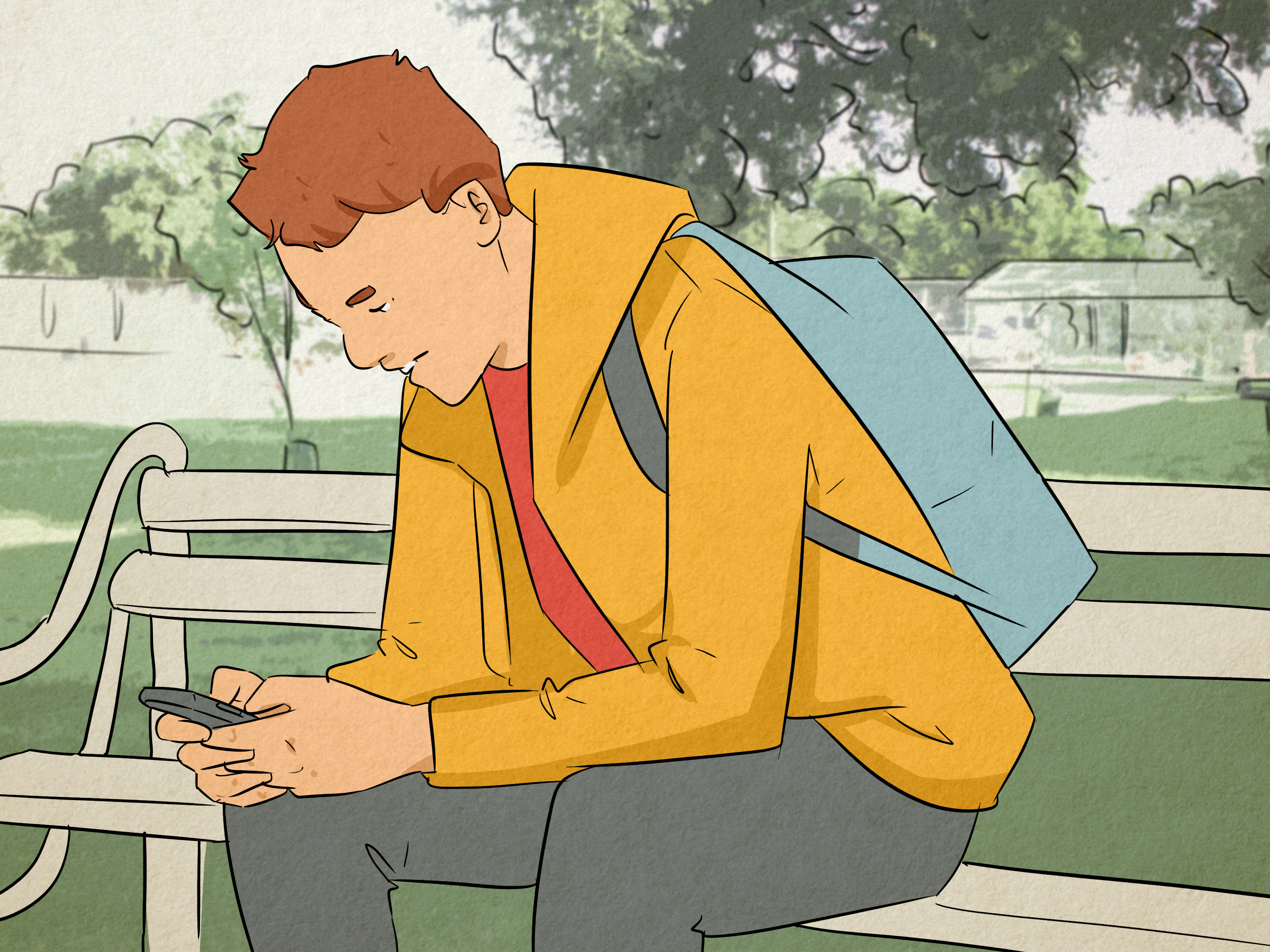
You left a perfectly normal comment on someone’s Instagram post. No argument, no strange emoji choices, not even an accidental declaration of love caused by autocorrect. Yet nobody likes or replies to it. Your direct messages also seem to fall into a digital black hole, and the person’s activity status has mysteriously disappeared.
Have they restricted you on Instagram?
Possiblybut Instagram does not send a notification, display a warning, or provide a list of people who have restricted your account. The Restrict feature was intentionally designed to limit unwanted interactions quietly, without creating the obvious separation caused by blocking.
That means there is no single button that says, “Congratulations, you have been socially placed in the waiting room.” However, you can look for several clues. The three practical methods below focus on comment visibility, activity status, and direct messages. One method is substantially stronger than the others, but using all three can help you reach a more reasonable conclusion.
What Does Restrict Mean on Instagram?
Instagram Restrict is a privacy and moderation feature that lets someone quietly reduce another account’s access to their interactions. It is less dramatic than blocking and more targeted than muting.
When a person restricts your Instagram account, you can generally still find their profile, view the content you normally have permission to see, follow them, like their posts, and submit comments. From your perspective, the relationship may appear almost unchanged.
Behind the scenes, however, three important things can happen:
- Your new comments on their posts may initially be visible only to you and the account owner. The owner can approve, delete, or ignore them.
- Your direct messages may be moved to the recipient’s Message Requests area, and the recipient may not receive standard message notifications.
- You may be unable to see when the person is active or whether they have read your messages.
Instagram describes Restrict as a way to manage uncomfortable or unwanted interactions without alerting the restricted person. Unlike blocking, it does not necessarily remove access to the profile or make the account disappear from search.
Restrict vs. block vs. mute
These controls are easy to confuse, especially when Instagram rearranges its menus for what feels like the seventh time before breakfast.
Blocking creates the clearest separation. A blocked user generally cannot find the account normally, see its posts, follow it, or start new interactions. Muting works in the opposite direction: the person who uses Mute stops seeing selected posts, Stories, Notes, or message notifications, but the muted person’s ability to interact is not directly limited. Restricting allows interactions to continue while privately filtering them.
If you can still open the person’s profile and see their posts, that does not prove that you are unrestricted. In fact, maintaining that normal-looking experience is part of the feature’s purpose.
Way 1: Check Whether Other People Can See Your Comment
The comment visibility test is usually the strongest practical way to determine whether someone restricted you on Instagram.
When a restricted account comments on a person’s post, the comment may appear normally to the commenter. The account owner can also see it. Other Instagram users, however, may not see the comment unless the owner approves it. This creates an unusual situation: your comment looks published from your account, but it is effectively sitting behind a velvet rope.
How to perform the comment test
- Open a recent post published by the person you suspect has restricted you.
- Leave a neutral, ordinary comment that follows Instagram’s rules.
- Wait several minutes to allow the comment to publish and synchronize.
- Open the same post from another Instagram account.
- Look for your comment while signed in to that second account.
The second account could belong to you or to a trusted friend. It should not be blocked or restricted by the person being checked. If the person’s profile is private, the second account must already be an approved follower; otherwise, it will not be able to view the post at all.
If your comment appears from your account but remains invisible from a neutral account, restriction is a credible explanation. Instagram’s official description of the feature confirms that a restricted person’s new comments can remain visible only to that person until the account owner chooses to reveal them.
How to make the result more reliable
Do not base your conclusion on one missing comment viewed once. Instagram may rank comments differently for different users, automatically hide suspected spam, filter offensive words, or collapse portions of a long discussion. A comment may also disappear if the post owner deletes it manually.
Use a harmless comment such as, “Great photo,” rather than repeating the same phrase across several posts. Repetitive or promotional comments can trigger spam filtering. Check the post from the second account by opening the full comment section rather than relying on the small preview below the image.
You can also repeat the test on a second recent post after some time has passed. If multiple normal comments consistently appear to you but not to an approved neutral viewer, the evidence becomes stronger.
What this test cannot tell you
An invisible comment does not reveal exactly why it was hidden. The account owner may use manual comment filters, custom keyword filters, Instagram’s automated Hidden Words tools, or restrictions that apply to broader groups. Instagram also offers temporary Limits settings that can reduce comments and messages from certain categories of accounts.
Therefore, the accurate conclusion is not, “This proves I was restricted.” It is, “This behavior matches what Instagram Restrict can do.” Digital detective work requires modestyand preferably fewer dramatic background sound effects.
Way 2: Compare Their Activity Status From Different Accounts
A person who restricts you can prevent you from seeing when they are active on Instagram. You may stop seeing labels such as “Active now” or “Active 15m ago” in Direct Messages, even if they continue using the app.
How to check activity status
- Open your Instagram messages and locate your conversation with the person.
- Check whether an activity indicator appears beneath their name or profile picture.
- Ask a trusted mutual contact to check the same person’s activity status.
- Compare what both accounts can see at approximately the same time.
Suppose your friend sees “Active now,” but your account never displays an activity label even during an active conversation. That difference is consistent with restriction.
It is more meaningful when you previously saw the person’s activity status regularly and it suddenly disappeared only for your account. Instagram confirms that restricted users cannot see the restricting account’s active status.
Why missing activity status is weak evidence
Instagram allows users to disable activity status through their privacy settings. When someone turns it off, other people generally cannot see when that person is online. Users who turn off their own activity status may also lose access to other people’s activity indicators.
Activity labels can also be delayed, inconsistent across devices, or absent because the person has not used Instagram recently. A second account is useful only when it can see an activity indicator at the same moment yours cannot.
Even then, different privacy settings or messaging relationships may affect what each account sees. Treat this method as supporting evidence, not a courtroom confession written in Instagram’s gradient font.
Way 3: Observe What Happens to Your Direct Messages
Direct messages provide the third group of clues. When an account is restricted, its new messages can be moved away from the recipient’s primary inbox and into Message Requests. The recipient may read those messages without the restricted sender seeing a standard read receipt.
How to perform a reasonable DM check
- Send one relevant, respectful message.
- Allow a reasonable amount of time for the person to respond.
- Observe whether the message ever displays a read indicator.
- Compare this behavior with your previous conversations.
The strongest pattern would be a combination of changes: the person remains active, continues posting, and responds elsewhere, yet your Instagram messages repeatedly show no evidence of being read. If your comments are also invisible to other viewers, the DM behavior adds support to the restriction theory.
Instagram’s original Restrict announcement explained that messages from restricted accounts are moved to Message Requests and can be viewed without notifying the sender that they were read.
Why an unread DM does not prove anything
People ignore messages. They overlook notifications. They open Instagram to watch one cooking Reel and emerge 47 minutes later knowing how to make pasta in a wheel of cheese but having answered nobody.
More importantly, Instagram allows users to control read receipts. A person may disable them without restricting you. Messages from non-followers may also enter Message Requests under ordinary messaging controls, and notification preferences can prevent immediate alerts.
Do not send a series of test messages, repeatedly call the person through Instagram, or attempt to force a response. That behavior will not improve the accuracy of the test. It may simply turn a suspected restriction into a fully justified block.
How to Interpret the Three Tests Together
Because no single sign is definitive, consider the overall pattern.
- One missing activity label: Very weak evidence.
- One message without a read receipt: Very weak evidence.
- A comment visible to you but not to a neutral account: Moderately strong evidence.
- Several invisible comments plus account-specific activity differences: Stronger evidence.
- Invisible comments, missing activity status, and permanently unread DMs: A pattern highly consistent with restriction, though still not absolute proof.
Also consider ordinary explanations. The person may have turned off activity status and read receipts, filtered your comment, changed messaging controls, taken a break from Instagram, or decided not to respond. A technical glitch can occasionally make comments or status indicators behave strangely as well.
Can an App Tell You Who Restricted You?
Be skeptical of third-party apps promising to identify every account that has restricted you. Instagram does not provide users with an official list of people who have applied Restrict to their accounts. A separate app cannot magically open a private moderation panel merely because its logo contains a magnifying glass and the word “Tracker.”
Some follower-analysis services can track public changes such as followers gained or lost. That is not the same as detecting Restrict. An app may infer restriction from indirect signals, but it cannot guarantee an accurate result.
Avoid giving your Instagram password to an unknown service. Also avoid tools that request unnecessary access, promise secret profile data, or ask you to complete surveys before displaying “results.” The safest tests use Instagram itself and a trusted secondary viewer.
Should You Ask the Person Directly?
In some relationships, a calm question is more useful than a week of comment surveillance. You might say, “I noticed my Instagram comments may not be showing publicly. Is that intentional, or is the app acting strangely?”
However, Restrict is often used to create distance, reduce harassment, or manage an uncomfortable interaction without confrontation. If someone appears to have limited contact, respect that boundary. Do not create multiple accounts to message them, recruit friends to pressure them, or continue posting comments to test their patience.
Knowing whether you were restricted may satisfy your curiosity, but how you respond matters more than winning the investigation.
Experiences Related to Finding Out You Were Restricted on Instagram
The experience of suspecting an Instagram restriction usually begins with something tiny. A comment receives no reaction. A message stays unread. An activity indicator that once appeared every evening suddenly vanishes. None of these changes seems important alone, but together they can create the uncomfortable feeling that the app is showing you only half of the conversation.
Experience 1: The invisible birthday comment
Imagine leaving a friendly birthday message beneath a public post. Your comment appears immediately, complete with your profile picture and the usual timestamp. Hours later, the post has dozens of new comments, but yours has received no likes or replies.
You check from a second account and discover that your message is missing. You return to your main account, and there it is, smiling back at you as though nothing is wrong.
This is the classic Restrict-style experience. The confusing part is that Instagram does not show an error. It does not say that the comment is awaiting approval. From your perspective, it looks public. That quiet design is precisely why comparing the post from another account is so useful.
Still, the sensible response is to test cautiously. Perhaps the comment contained a filtered word, was automatically treated as spam, or was manually hidden. A second normal comment on another recent post can help establish whether the behavior is consistent.
Experience 2: The permanently unread conversation
Another common experience involves a DM thread that previously felt normal. The other person used to read messages and respond within a day. Then every new message remains apparently unread, even while the person continues publishing Stories and liking mutual friends’ posts.
It is tempting to conclude immediately that you have been restricted. However, Stories and posts do not tell you whether someone opened their Message Requests. They may have turned off read receipts, muted notifications, or chosen not to continue the conversation.
The mature approach is to send one clear message rather than five increasingly anxious follow-ups. If the message concerns something important, use an appropriate communication method you already share. If it is casual, allow the silence to be an answer without demanding a technical explanation.
Experience 3: Different accounts see different signals
Suppose you and a mutual friend both message the same person. Your friend can see that the person is active, while you cannot. Your friend can also see recent comments beneath the person’s post, but your own comment appears only when you view the post from your account.
This combination is considerably more persuasive than either sign alone. It matches two central effects associated with Restrict: limited public visibility for comments and hidden activity information.
Even so, avoid turning the mutual friend into an undercover operative. Asking someone to confirm one public comment is reasonable. Requesting hourly screenshots of another person’s online activity crosses from curiosity into surveillance surprisingly quickly.
Experience 4: Mistaking a block for a restriction
Some users assume they were restricted when they can no longer find a profile. That behavior is more consistent with blocking, account deactivation, deletion, or a username change.
A restricted user can usually still access the profile and see permitted content. The interaction is filtered, not completely severed. If the profile is visible from a friend’s account but not from yours, blocking is a more likely explanation than Restrict.
What these experiences teach you
The most useful lesson is that social media signals are imperfect. A missing read receipt is not a psychological evaluation. An absent activity label is not a certified statement about a relationship. Even a hidden comment tells you how Instagram processed an interaction, not necessarily why the account owner made that choice.
Use the comment comparison test when you need a practical answer, support it with activity and messaging clues, and stop once the pattern is clear. Whether the person restricted you intentionally or changed broader privacy settings, the practical message may be the same: they currently want more control over the interaction.
Respecting that signal protects everyone’s peaceincluding yours. After all, there are better ways to spend an afternoon than refreshing a comment section while wearing an imaginary detective hat.
Conclusion
The best way to find out if someone restricted you on Instagram is to leave a normal comment and check the same post from a trusted second account. If the comment is visible only from your account, the result closely matches Instagram’s Restrict behavior.
Missing activity status and absent DM read receipts can support your suspicion, but neither is reliable alone. Users can disable those features, adjust message controls, or simply choose not to respond. Look for a repeated combination of signs rather than treating one unusual interaction as proof.
Instagram intentionally keeps Restrict discreet, so complete certainty may require the person to confirm it. Until then, use privacy-respecting checks, avoid questionable tracking apps, and accept that sometimes the healthiest response to a digital boundary is to put down the magnifying glass.