Note: This guide covers Telkom South Africa (Telkom SA). Telkom companannels, numbers, and support rules.
Trying to contact Telkom can feel a little like choosing the correct line at a busy airport: pick the right one, and you are through surprisingly fast; pick the wrong one, and you may become emotionally attached to hold music. The good news is that Telkom offers several ways to get help, from old-school phone calls to WhatsApp, online chat, self-service tools, social media, and in-person stores.
The best contact method depends on what is wrong. A billing question does not need the same route as a dead fiber connection. A missing data bundle is different from a SIM replacement. And a device upgrade should not require you to explain your life story to six different people.
This guide breaks down seven practical ways to contact Telkom customer service, explains when each option makes sense, and shares a few strategies that can help you get a useful answer faster.
Choose the Right Telkom Contact Method First
Before reaching out, take 60 seconds to identify your actual issue. It sounds obvious, but “my internet is broken” can mean several things: no network coverage, a router problem, a line fault, an account suspension, a depleted data bundle, or a payment that has not reflected yet.
Have the basics ready before contacting Telkom: your mobile number or service number, account holder name, ID details if needed, recent payment information, device model, and screenshots of any error messages. Think of it as packing snacks before a road trip. You might not need all of it, but future-you will be grateful.
Telkom publishes different support paths for mobile, fixed broadband, billing, sales, and technical issues, so choosing the right lane can reduce unnecessary transfers. . Call Telkom Customer Service by Phone
Calling Telkom remains one of the best options for issues that need a live explanation, a formal reference number, or an immediate conversation about your account. It is particularly useful for billing questions, cancellations, fiber problems, account changes, and services that are too complicated to explain in a three-word chat message.
Use the Number That Matches Your Problem
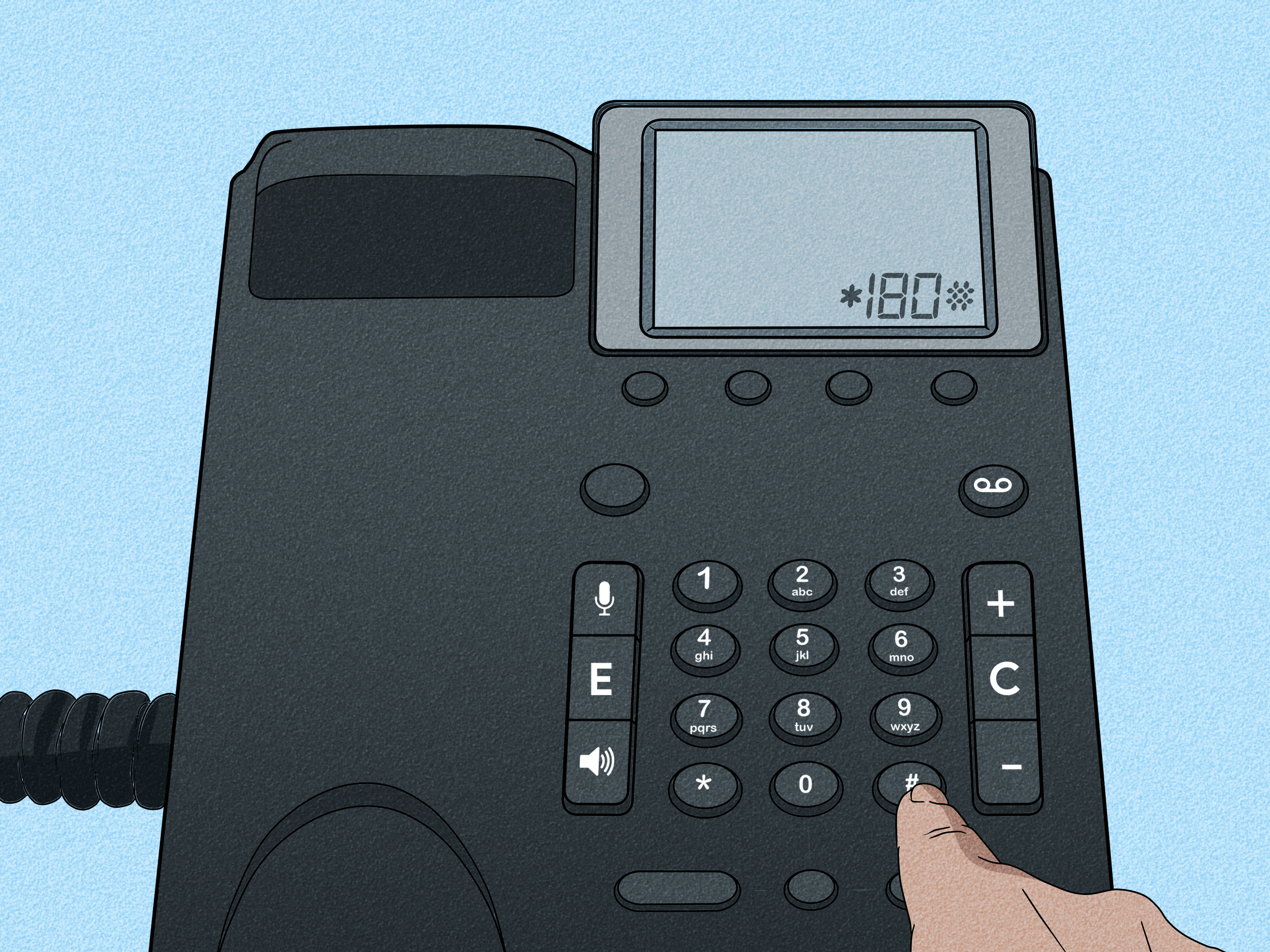
For sales, billing, or cancellation-related questions, Telkom directs customers to 10213. For technical support relating to fixed broadband, such as home internet or line issues, Telkom lists 10210. Customers can also use 081 180 for interactive voice response assistance with account management and certain service changes. en the automated menu begins its grand performance, listen for the option closest to your problem. Do not choose “sales” just because it is the first option you hear if your router has decided to become modern sculpture. Routing yourself correctly matters.
Best for:
- Billing disputes or unexpected charges
- Cancellation and contract questions
- Fixed-line, fiber, or home internet faults
- Urgent account access problems
- Requests that require a support reference number
Helpful tip: Write down the date, time, agent name, and reference number after every call. If the issue returns later, those details turn a vague complaint into a useful paper trail.
2. Contact Telkom Through WhatsApp
For many customers, WhatsApp is the sweet spot between calling and using a full website. It is familiar, mobile-friendly, and less likely to interrupt your day with a surprise 40-minute hold queue. Telkom offers WhatsApp self-service through 081 160 1700, which may also appear formatted as 0811 601 700.
Telkom says its WhatsApp channel can help customers check usage, recharge, review balances, explore upgrades, buy bundles, and submit certain service queries. The service can be used from a non-Telkom SIM as well, which is handy when your Telkom line is the problem rather than the solution. est for:
- Checking airtime, data, or account balances
- Buying bundles or recharging
- Basic account and product questions
- Quick support requests while away from a computer
- Customers who prefer written records over phone conversations
Keep your messages short and specific. “My data disappeared” is understandable but vague. “My 10 GB bundle was active this morning, but my account now shows 0 MB after no large downloads” gives support a much better starting point.
3. Use Telkom’s Online Chat
Online chat is a practical option when you want help without making a phone call. Telkom’s website includes a “Chat to us online” option alongside its other support channels. Chat availability can change depending on the time, type of account, and current demand, so it is wise to check the official Telkom site rather than relying on an old screenshot from a search result. line chat works well for questions that need a little back-and-forth but do not require a technician to test a physical line. It is also useful when you need to send order numbers, account details, or screenshots without spelling every character over the phone like you are playing a very stressful game of alphabet bingo.
Best for:
- Order status and product questions
- General contract or account guidance
- Clarifying charges before calling billing support
- Sharing screenshots of error messages
- Getting written confirmation of a support conversation
Before ending the chat, ask for a case number or a copy of the chat transcript when available. This can be useful if you need to follow up later through phone, social media, or a formal complaint process.
4. Manage Your Account in the MyTelkom App
The MyTelkom app is not just a place to admire your remaining data balance as it races toward zero. It is one of the most useful self-service options for managing Telkom services without calling a contact center.
Telkom describes the app as an alternative to calling or visiting a store. Customers can use it to view balances, manage services, top up, update profiles, and access account-related features. The app is available through Google Play and the Apple App Store. est for:
- Checking balances and usage history
- Buying airtime or data bundles
- Reviewing subscriptions and account details
- Managing selected services without speaking to an agent
- Finding offers and upgrade options
The app is especially useful for routine tasks. If you only need to check whether a data bundle renewed, calling a contact center is usually overkill. That is like hiring a moving company to relocate one sock.
5. Use Telkom’s Self-Service Website and Fault Tools
For customers with a technical problem, Telkom’s web-based help tools may be faster than waiting for a representative. The Telkom Get Help portal offers guided troubleshooting journeys, FAQs, and personalized support paths using a service number. Telkom also provides an online fault-reporting tool for eligible line and service issues. is option is ideal when the problem is clearly technical: a landline is down, home internet is unstable, a connection has stopped working, or a service needs basic diagnosis before a repair request is logged.
Best for:
- Reporting a fixed-line or broadband fault
- Running guided troubleshooting steps
- Checking common service questions
- Submitting a problem outside a busy phone queue
- Customers who prefer solving simple issues themselves first
Use the exact service number associated with the affected line whenever possible. A mobile number may not help the system locate a fiber or fixed-broadband account, and guessing can send you into a digital maze with no cheese at the end.
6. Reach Out to Telkom on Social Media
Social media can be useful when you need a quick response, public visibility, or a simple direction toward the correct support channel. Telkom’s official website and South Africa’s government directory identify Telkom’s Facebook and X accounts under the TelkomZA name. cial media is best used for general assistance, status questions, or polite follow-ups when a previous case has gone quiet. It is not the right place to post your ID number, full account number, bank details, SIM PIN, one-time password, or your entire emotional history with your Wi-Fi router.
Best for:
- Asking where to find the right support channel
- Following up on a delayed case number
- Checking service announcements or outage updates
- Sending a direct message with limited account details
- Requesting help when other channels have not responded
Keep your public message calm, factual, and short. Include the date your issue began and state that you have a reference number if you have one. Move sensitive details into a verified private message only after confirming that you are talking to an official account.
7. Visit a Telkom Store or Service Point
Sometimes the fastest path is the one involving shoes. A Telkom store can be the best option when your issue requires identity verification, a physical SIM card, a device inspection, a replacement, or help choosing a new product in person.
Telkom’s store locator helps customers find nearby stores and service points. Store locations, services, and hours can vary, so check the locator before leaving home instead of making a heroic journey to a kiosk that closes 10 minutes before you arrive. est for:
- SIM swaps and identity-related service requests
- Device purchases or hands-on product support
- Contract upgrades and new connections
- Customers who need face-to-face guidance
- Issues that require original documents or physical equipment
Bring your identification, the affected device or SIM card if relevant, proof of payment if applicable, and any existing support reference numbers. The more context you bring, the less likely the visit will turn into an unexpected sequel.
How to Contact Telkom Safely
Scammers often target people who are already frustrated by an account or connectivity problem. That is why it is important to use the official Telkom website, official app stores, verified social accounts, and the contact routes listed by Telkom itself.
Telkom warns customers that it will not ask for sensitive personal information or PIN details through email or phone calls. Be cautious about links sent through unfamiliar messages, urgent payment demands, and anyone claiming your account will disappear in five minutes unless you reveal confidential information. r unresolved issues, keep a written timeline of your contacts, names, dates, case numbers, screenshots, bills, and promises made. If you have made reasonable attempts to resolve a consumer issue directly with Telkom and still need to escalate, South Africa’s communications regulator, ICASA, provides a written consumer complaint process. hat the Telkom Contact Experience Can Look Like: Practical Scenarios
The following examples are illustrative situations designed to help customers choose the right channel and prepare for the conversation.
Experience 1: The Vanishing Data Bundle
Imagine checking your phone before lunch and seeing a healthy data balance. By dinner, it is gone. Your first instinct may be to call immediately, but WhatsApp or the MyTelkom app is often the better starting point. Review your balance, usage history, active subscriptions, and bundle expiry date first. Sometimes the answer is unglamorous: background app updates, video streaming, cloud backups, or hotspot use can quietly consume data like a teenager near an open refrigerator.
If the numbers still do not make sense, use WhatsApp or online chat to create a written record. Explain the bundle size, purchase date, expected expiry date, and the balance now showing. If a charge or deduction appears incorrect, move to phone support with those details ready.
Experience 2: The Home Internet Meltdown
Now picture a home internet connection that drops just as a work meeting begins. It is tempting to announce that the router has betrayed you personally, but a calmer approach works better. Check whether the lights on the router look normal, restart the device once, test another device, and confirm whether the issue affects only Wi-Fi or the entire connection.
For a clearly technical fixed-broadband issue, the online fault tool or technical support channel is usually more useful than social media. Record when the outage began, whether the service is completely down or intermittent, and what troubleshooting steps you already tried. This saves time and makes it easier for the support team to determine whether the issue is inside your home, on the local network, or related to the account.
Experience 3: The Mysterious Bill
A surprising bill can raise blood pressure faster than a broken kettle on a cold morning. Start by reviewing the statement carefully. Look for once-off fees, pro-rated charges, upgrades, device installments, out-of-bundle data use, or previous unpaid balances. Then call the billing channel or use online chat with the bill in front of you.
Ask direct questions: What is this charge? When was it applied? Which service does it relate to? Is it recurring? Can a detailed statement be sent? Write down the answers and request a reference number. A clear, polite, specific conversation is usually more productive than a message that simply says, “Why are you charging me?” even though that sentence may feel spiritually accurate.
Experience 4: The SIM Swap or Device Problem
For SIM swaps, lost devices, identity verification, or a phone that may need physical inspection, visiting a Telkom store can be less stressful than jumping between digital channels. Bring valid identification and any documentation connected to the account. If you are replacing a SIM, ask what will happen to your number, active bundles, banking apps, and account access before leaving the counter.
Face-to-face support is also useful when you are considering a device upgrade. You can compare products, ask about contract terms, and avoid signing up for something based solely on a very persuasive banner that made every phone look like it was developed by astronauts.
Experience 5: The Case That Would Not Die
Occasionally, an issue takes more than one contact attempt. This is where organization wins. Keep every reference number, chat transcript, screenshot, payment confirmation, and date of contact in one note or folder. When following up, begin with the reference number and summarize what happened in two or three sentences.
For example: “I reported a fiber outage on June 10, received reference number 123456, and was told the issue would be resolved within 48 hours. The service is still unavailable, and I need an updated repair status.” That message is much easier for a support agent to act on than retelling the entire saga from the beginning. Save the dramatic director’s cut for your friends.
Final Thoughts: The Fastest Way to Reach Telkom
The fastest way to contact Telkom is not always the same for every problem. Use phone support for urgent, complex, billing, cancellation, and technical issues. Choose WhatsApp, online chat, or the MyTelkom app for routine account tasks. Use self-service tools for troubleshooting and fault reporting, social media for light follow-ups, and a Telkom store when your issue needs physical assistance or identity verification.
Most importantly, keep your details organized, use official channels, protect sensitive information, and always request a reference number when the issue cannot be resolved immediately. A little preparation can turn “I have been trying to contact Telkom all day” into “I finally reached the right team.”